Doodle Basketball Controls
Master movement, passing, shooting, and physical interacts so every possession feels intentional.
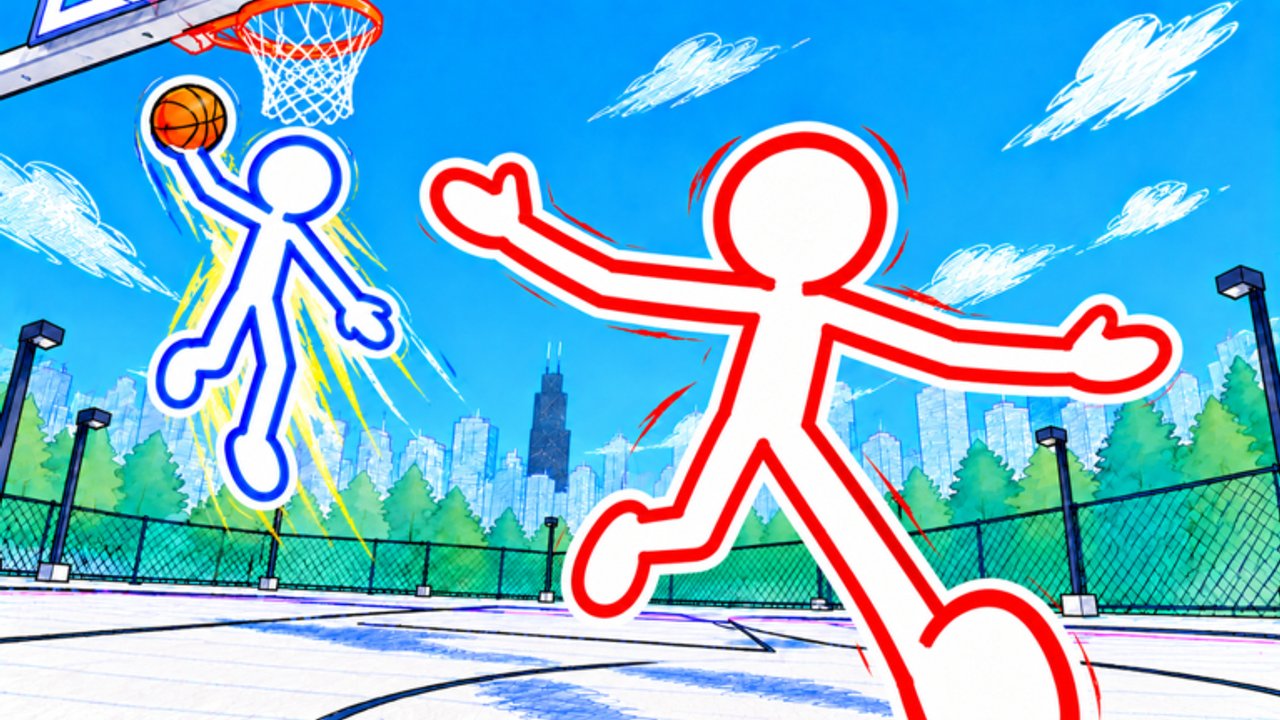
Clean inputs separate highlight dunks from turnovers in Doodle Basketball. The game uses familiar Roblox movement, but community gameplay shows a few sport-specific binds you should memorize before you grind Game Modes, chase rim attacks in How to Dunk, or tighten jumpers with Shooting and Defense. This guide maps the controls observed in public sessions, explains how to practice them, and links the rest of the wiki so you can apply muscle memory in real matches.
If you are brand new, skim Getting Started first, then return here for a deeper input-focused session.
Core control map
| Action | Input (community-observed) | Notes |
|---|---|---|
| Move | WASD | Strafe while keeping camera on the ball handler or rim |
| Look / aim | Mouse | Raise camera slightly on notebook courts for better vision |
| Pass | 1 | Essential in 2v2 and 3v3; tap, do not hold forever |
| Punch / physical interact | Right-click | Contests, bumps, and physical plays — time it, do not spam |
| Shoot / finish | Standard click / shoot flow with mouse aim | Release timing beats button mashing |
| Customize | Shop UI before matches | Outfits, mascots, balls, skins — see Customization |
Roblox may remap some binds on mobile or controller. On PC, treat the table above as your default. If a patch changes prompts, re-check on-screen tips and our Updates page.
Movement and camera
WASD is your foundation. Cut hard on direction changes to sell ankle breakers; soft arcs telegraph drives. Combine forward movement with slight lateral strafes so defenders cannot plant early. When you do not have the ball, keep moving — standing stick figures are easy help-side targets.
Camera height matters more than new players expect. Doodle courts read like sketched paper stages; a low camera hides cutters behind other stick figures. Tilt up until you see both your player and the rim, then practice looking off-ball to spot open teammates for a 1 pass. If you play 3v3 often, glance at weak-side corners before every drive.
Sensitivity is personal. Too high and your shot aim wobbles; too low and you cannot whip around for a steal. Adjust in small steps between matches rather than mid-possession.
Passing with key 1
Press 1 to pass. That single bind decides whether 2v2 and 3v3 feel like basketball or chaos. Rules of thumb:
- Pass early when a teammate has a cleaner angle to the rim or three-point line.
- Do not pass into traffic just to “use” the button; skip to the open man.
- Catch and decide quickly: shoot, drive, or swing again.
- In 1v1 you will pass less, but still learn the key so team modes do not feel foreign.
Communicate in Roblox chat or voice if your duo has a preferred call for “kick” or “swing.” Silent teams force heroes; vocal teams force rotations.
Right-click physical play
Right-click triggers punch or physical interact in community footage. Use it to contest shots, disrupt drives, or create space when legal. Overusing it leaves you lunging while the offense relocates for an open three. Practice a rhythm: close out with WASD, time one right-click contest, then recover to your feet for the rebound or next rotation.
Never confuse physical spam with defense. Good defense is footwork first, interact second. Watch how strong players stay in front, then add the right-click as a punctuation mark, not the whole sentence.
Shooting and finishing inputs
Shooting combines mouse aim with the game’s shoot/finish action. Square your stick figure to the basket when possible, especially on threes. For layups and dunks, approach with speed but leave a beat for the gather. Mid-article video on this page shows live pacing — pause and mimic the timing rather than only watching highlights.
When you attack the rim, align your path so the dunk window is reachable; details live in How to Dunk. For pull-up jumpers, plant your feet, release on the rise, and relocate after the shot for offensive boards.
Pre-match customization controls
Before you queue, open the shop and customize mascots, outfits, balls, and character skins. Cosmetics will not aim for you, but a distinct ball and skin help you track possessions in crowded 3v3. Community chatter often mentions Pinhead-style or SpongeBob-inspired looks — pick whatever you can read quickly on a doodle court. Full advice is on Customization.
Make a habit: customize → stretch fingers on WASD → remind yourself that pass is 1 → queue. That ritual alone cuts early-match mistakes.
Practice drills (15–20 minutes)
Drill A — Pass rhythm (2v2 friendly). With a partner, move the ball three times before any shot. Count aloud. Goal: zero panic holds.
Drill B — Contest timing. In any mode, close out on five jumpers using movement first, then one right-click. Track how often you alter the shot without fouling your recovery.
Drill C — Camera check. Play one 1v1 with deliberately higher camera. Note whether you see kick-out lanes earlier.
Drill D — Finish ladder. Alternate layup, mid-range, three, then attempt a dunk when the lane opens. Reset if you spam dunk attempts from bad angles.
Log what failed. Controls mastery is measurable: fewer turnovers on pass, cleaner contests, steadier shot releases.
Mode-specific control tips
1v1: Movement and shot timing dominate. Pass is rare; right-click contests and ankle-breaker direction changes matter most. See Game Modes for spacing ideas.
2v2: Pass (1) is mandatory. After every drive, look for the kick. Right-click helps on switches but leave help defense to your teammate’s feet when possible.
3v3: Constant head turns. Swing the ball, skip passes when the corner is hot, and do not tunnel on dunks while two teammates stand open. Physical interacts should be situational, not a default on every closeout.
Common control mistakes
- Forgetting pass is 1 and throwing the ball away with random keys.
- Holding shoot too long or releasing early under pressure.
- Right-click spamming that leaves you on the ground while a three goes up.
- Camera glued to your feet so you never see cutters.
- Changing sensitivity every game instead of giving one setting a full session.
Fix one mistake per day. Pair this page with Getting Started if you still need lobby orientation, and check Codes only after practice — promo hunting should not replace reps.
Accessibility and device notes
PC keyboard and mouse give the clearest read on the binds above. On touch devices, on-screen buttons may replace 1 and right-click; learn the labeled pass and interact icons before ranked-feeling lobbies. Controllers depend on Roblox’s mapping for the experience — open the in-game prompt overlay if available and mirror the same habits: move with intent, pass early, contest with timing.
If your FPS dips on busy 28-player servers, lower graphics slightly so input lag does not fake “bad controls.” Stable frames make release timing honest.
Linking controls to the rest of your gameplan
Inputs are tools. Once they feel automatic, study when to dunk versus kick out, which cosmetics keep you visible, and how mode rules change pace. Continue with How to Dunk, Customization, Game Modes, Tier List, and Players for inspiration. Official destination links live under Links.
Master the simple map — WASD, mouse, 1, right-click, timed shoot — and Doodle Basketball’s ankle breakers, threes, and dunks finally respond the way the trailers promise.
Frequently Asked Questions
Quick answers for Doodle Basketball on Roblox.
What key do I press to pass in Doodle Basketball?
Community gameplay shows Pass bound to key 1 on PC. Confirm on-screen prompts after updates, and use the labeled pass control on mobile.
What does right-click do?
Right-click is used for punch or physical interact — helpful for contests and bumps when timed well. Spamming it often leaves you out of position.
How should I set my camera?
Keep the camera high enough to see your stick figure, the ball, and the rim on notebook-style courts. Adjust sensitivity between matches, not mid-play.
Do controls change between 1v1, 2v2, and 3v3?
The binds stay the same, but priorities shift: 1v1 emphasizes movement and shooting, while 2v2 and 3v3 demand frequent passes with key 1.
Where do I customize my character relative to controls?
Use the shop before matches to change mascots, outfits, balls, and skins. Customization does not replace practice, but clearer skins help you track yourself while learning inputs.