Doodle Basketball Guides Hub
Walkthroughs and how-tos for stick-figure hoopers — from first queue to dunk timing and mode IQ.
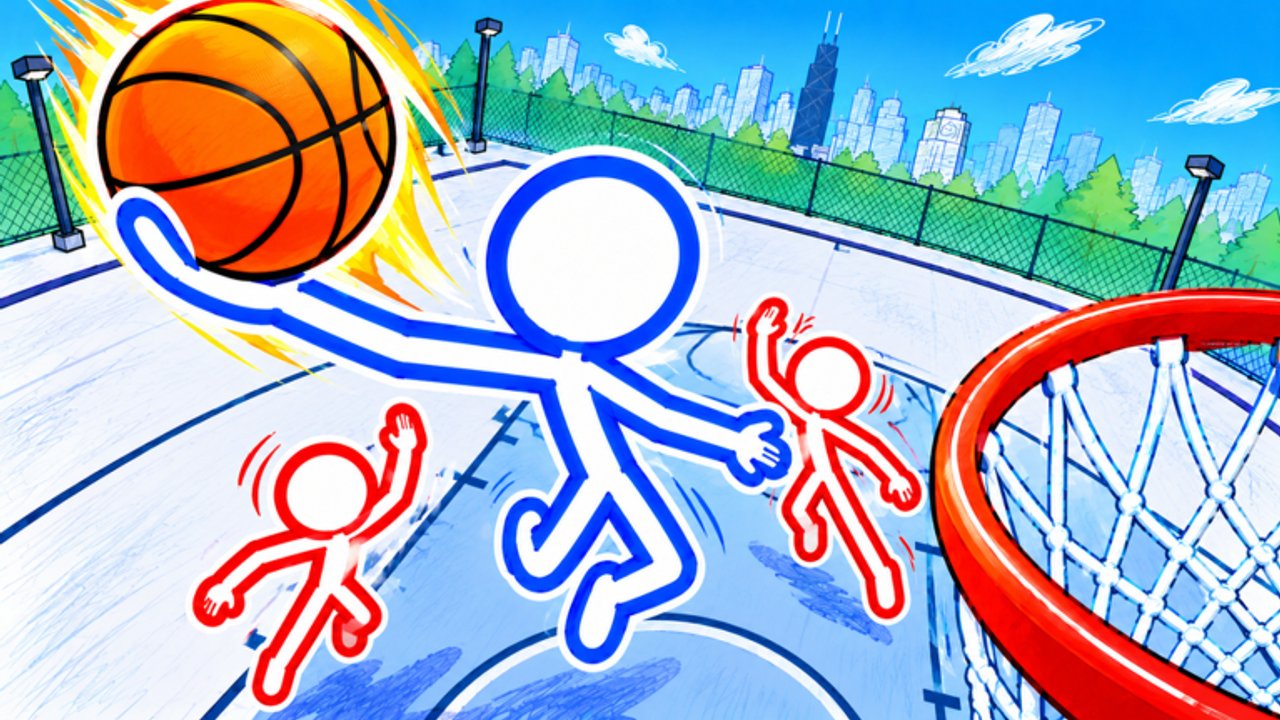
Welcome to the Guides Hub for Doodle Basketball on Roblox. This free-to-play Doodle Sports experience drops stick-figure athletes onto notebook-city courts for online 1v1, 2v2, and 3v3 hoop battles packed with ankle breakers, threes, and dunks. Use this page as the map to every tutorial on the wiki — each child guide goes deep on one job so you can learn in order instead of bouncing between random tips.
If you just installed the experience (universe ID 10771081056), start with onboarding, then controls, then either dunks, shooting, or modes depending on whether finishing, spacing, or team play is your bottleneck. Customization sits beside skill pages so your shop time supports visibility instead of replacing practice.
Start here
Getting Started — Day-one checklist: how to join the official place, first-ten-minutes plan, core systems (pass on 1, right-click physical interact, shop before matches), beginner mistakes, and a week-one practice plan. Featured for new players and anyone returning after a break.
Read Getting Started before you chase cosmetics catalogs or advanced finishes. It also points to Codes, Updates, and safety notes around Scripts.
Mechanic deep dives
Controls — Full input map from community gameplay: WASD movement, mouse aim, Pass on key 1, right-click punch/physical interact, shooting timing, camera setup, and short drills. Mode-specific reminders explain how the same binds feel different in 1v1 versus 3v3.
How to Dunk — Approach angles, ankle-breaker lane creation, gather timing, dunk-versus-kick-out decisions, and troubleshooting for blocked or canceled finishes. Includes practice ladders so highlight slams become repeatable.
Shooting — Open looks, catch-and-shoot threes, contested jumpers, pump fakes, and when to shoot versus drive. Featured for players who need perimeter gravity to open the paint.
Defense — Lockdown positioning, contest timing, help rotations in 2v2 and 3v3, steal discipline, and recovery after you get beaten.
Tips and Tricks — Advanced habits: ankle breakers with a plan, spacing, tempo, warm-up routines, common mistakes, and patch-week / EVENT checklists.
Customization — Mascots, outfits, balls, and character skins. Shop timing, free-to-play spending sense, visibility on paper-style courts, loadout ideas by role, and warnings about shady “free skin” promises. Community favorites like Pinhead-style or SpongeBob-inspired looks are discussed as silhouette examples, not requirements.
Game Modes — Side-by-side strategy for 1v1, 2v2, and 3v3: when to queue each format, spacing rules, pass frequency, defensive talk, and sample session plans that mix modes across an hour.
Suggested learning paths
Brand-new player: Getting Started → Controls → Game Modes (1v1 focus) → How to Dunk → Shooting → Customization.
Returning player after patches: Updates first, then Controls refresh, then Tips and Tricks warm-up habits, then dunk and shooting timing reps, then Defense if contest windows feel different.
Squad / friends night: Customization (readable team looks) → Game Modes (2v2/3v3) → Controls pass drills → Shooting catch-and-shoot → How to Dunk off the catch → Defense help rotations.
Two-way grinder: Defense → Shooting → How to Dunk → Tips and Tricks checklist → Tier List role ideas.
Clip creator: How to Dunk → Shooting → Customization (high-contrast ball) → 3v3 section in Game Modes → share results with friends via Players inspiration.
How these guides connect to the rest of the wiki
Guides teach systems. Other hubs track live meta and destinations:
- Codes — promo status (none publicly verified as of mid-November 2026; re-check after EVENT windows) and redeem steps for when codes appear
- Tier List — community rankings and opinionated comparisons after you understand the mechanics yourself
- Players — creators and standout stick-figure personalities to watch
- Scripts — community command-menu context with safety-first framing; we do not endorse account risks
- Updates — patch and content notes (including Nov 2026 EVENT branding) that may change shop items or timing windows
- Links — official Roblox place and related destinations
Internal links across guides always use locale-agnostic paths with trailing slashes so every language build resolves correctly.
Tips for using this hub
- Open one guide at a time and play a match before opening the next.
- Prefer mid-article videos on each page as timing references — every guide embeds one real YouTube session, not a stack of end-page links.
- When a FAQ on a child page answers your question, skim the related guide instead of rereading this hub.
- After major updates, re-check Controls, How to Dunk, Shooting, and Defense even if you feel experienced; gather and contest windows can shift.
- Keep customization under a minute pre-match so guides time turns into court time.
- Use Tips and Tricks as the glue page when you already know the basics but keep repeating the same mistakes.
What “good progress” looks like
After a few sessions with these guides you should: pass on 1 without looking at the keyboard, contest with purposeful right-clicks, create at least one clean dunk angle per 1v1 set, convert a few catch-and-shoot threes off movement, pick modes based on goals instead of habit, and wear a loadout you can actually see on doodle courts. If any of those fail, jump to the matching child page rather than grinding blindly.
Doodle Basketball already sits at roughly 3.3M+ visits with 215k+ favorites — lobbies include veterans. Structured practice from this hub is how newer stick figures close the gap without burning out.
Browse the child guides below from the navigation dropdown or the links above, queue a mode with a plan, and turn notebook courts into your lab for ankle breakers, threes, dunks, and lockdown stops.
Frequently Asked Questions
Quick answers for Doodle Basketball on Roblox.
Which guide should I read first?
Start with Getting Started for lobby and first-match flow, then Controls. After that, choose How to Dunk, Shooting, Defense, or Game Modes based on whether finishing, spacing, stops, or team play is your bigger gap.
Do these guides cover 1v1, 2v2, and 3v3?
Yes. Game Modes explains all three in depth, and Controls, How to Dunk, Shooting, and Defense include mode-specific tips for when to pass, contest, shoot, or finish at the rim.
Where are shooting, defense, and advanced tips?
See Shooting for threes and pull-ups, Defense for lockdown and help rotations, and Tips and Tricks for ankle breakers, tempo, warm-ups, and patch-week habits.
Are customization tips in the Guides Hub?
Yes. The Customization guide covers mascots, outfits, balls, and skins, including visibility advice for doodle-style courts.
Where do codes and scripts fit if I am following guides?
Use the Codes hub for promo status and the Scripts hub for safety context. Learn controls and modes first so cosmetics or tools never replace fundamentals.