Codes
Working Doodle Basketball Roblox promo codes with rewards, expiry notes, and clear redemption steps so you claim gifts before they expire.
View all CodesRoblox codes, dunk guides, and stick-figure tips for Doodle Basketball.
Unofficial Doodle Basketball Roblox wiki covering codes, controls, dunks, cosmetics, tier lists, and match tips for notebook courts.
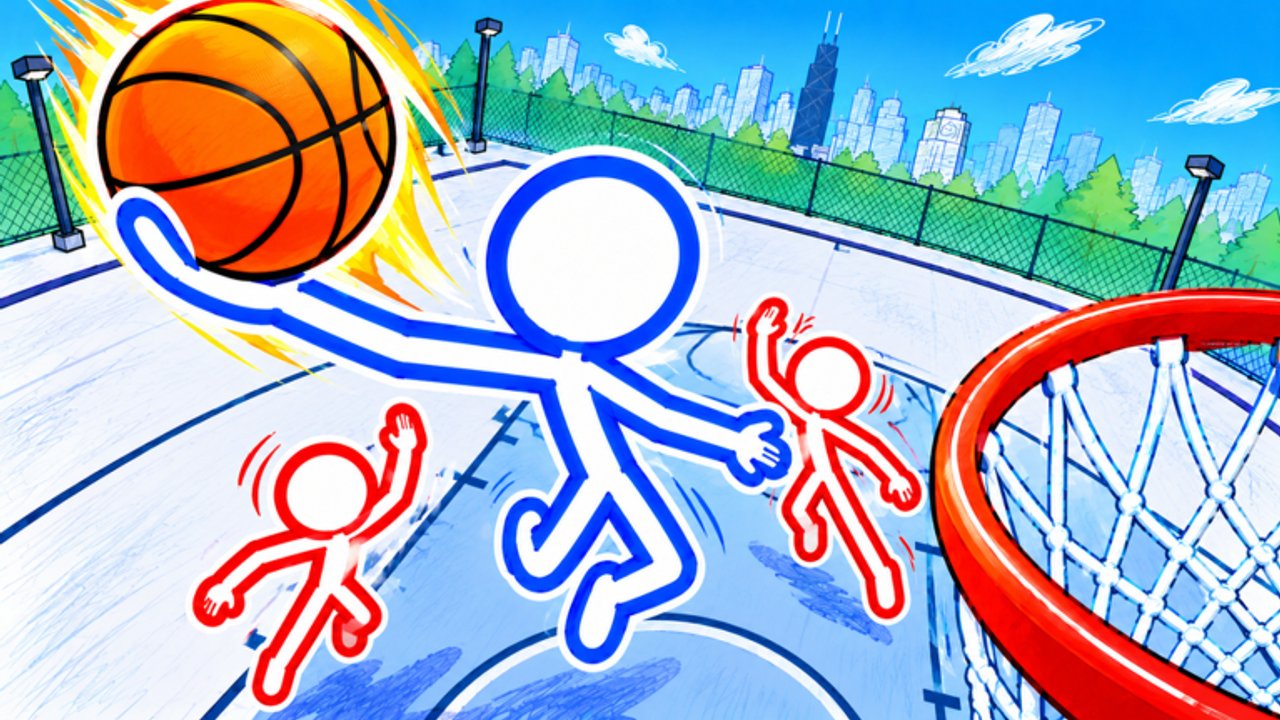
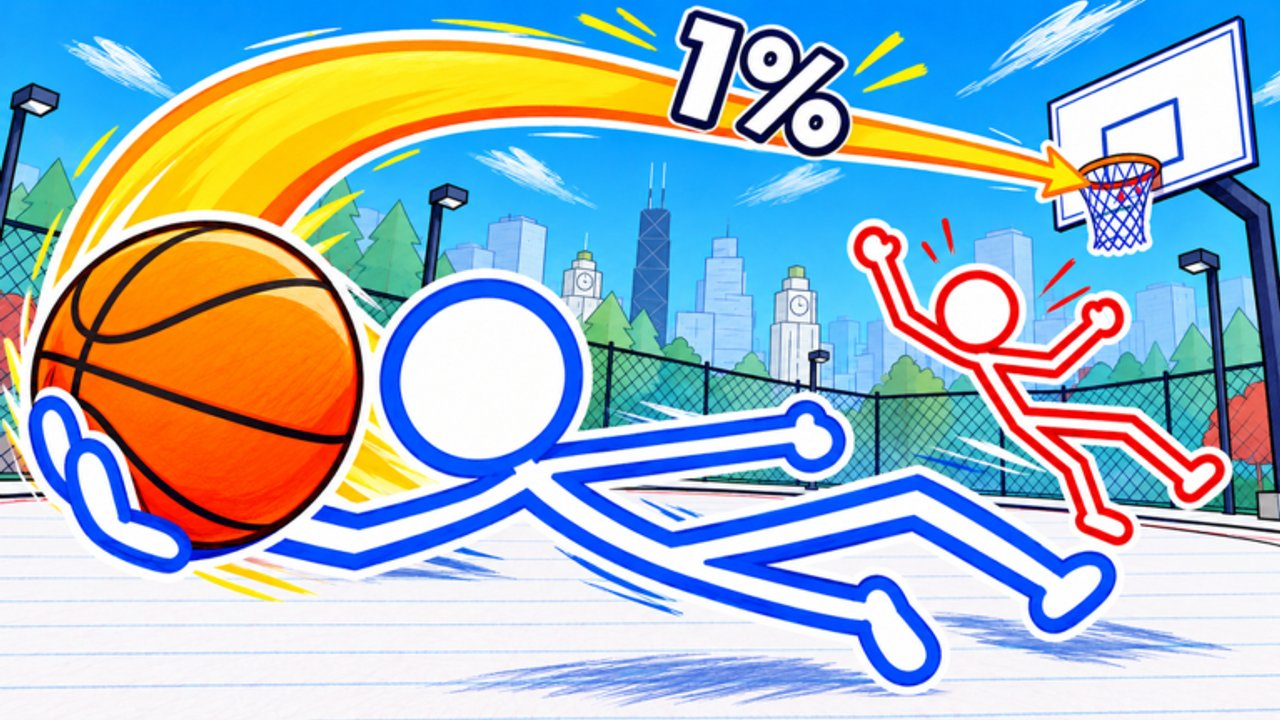
Doodle Basketball is a free Roblox sports experience by Doodle Sports where stick figures battle on notebook courts in a doodle city. Queue 1v1, 2v2, or 3v3, customise outfits, balls, and mascots in the customisation guide, then learn controls and dunk timing. Start with the beginner guide, check codes after updates, and browse the tier list for role ideas.
Working Doodle Basketball Roblox promo codes with rewards, expiry notes, and clear redemption steps so you claim gifts before they expire.
View all CodesDoodle Basketball Roblox guides hub: beginner tips, controls, dunks, shooting, defense, tips and tricks, and 1v1 to 3v3 strategies.
View all GuidesDoodle Basketball Roblox tier list for dunk threats, shooters, lockdown defenders, and cosmetics so you pick stronger court roles.
View all Tier ListDoodle Basketball players hub: stick-figure identities, mascot and outfit customization, and tips to stand out on notebook courts.
View all PlayersDoodle Basketball Roblox patch notes, NEW UPDATE events, and full change history so you know exactly what landed after every drop.
View all UpdatesDoodle Basketball Roblox scripts overview: command-menu loadstrings, executor steps, ban and malware risks, and legit practice alternatives.
View all ScriptsOfficial Doodle Basketball Roblox links hub: game page, Doodle Sports group, wiki guides, and trusted community resources together.
View all LinksOpen the [official Roblox experience](https://www.roblox.com/games/70792765211718/Doodle-Basketball), favorite the game, and hop into a server.
Read the controls guide so passing, shooting, and court movement feel natural before ranked vibes kick in.
Unlock outfits, balls, and mascots with the customisation guide so you stand out in doodle city.
Follow how to dunk, shooting, and defense before you queue a serious 1v1 or 3v3.
Quick answers for Doodle Basketball on Roblox.
A free Roblox basketball game by Doodle Sports where stick figures play 1v1, 2v2, and 3v3 on notebook courts in a doodle city.
Read the Getting Started guide, then learn controls and try a casual 1v1.
Check the codes hub for the latest list. New games often add codes after milestones and events.
This wiki supports: English, Français, Deutsch, Español, Português (BR). Configure locales in site.meta.json and run npm run generate:i18n.
No. This is an unofficial fan resource. Confirm announcements on the Roblox game page and the Doodle Sports group.
Use how to dunk for rim finishes and shooting for threes and pull-ups, then add defense so you win both ends.
From first match basics to dunk timing and cosmetics, this wiki covers Doodle Basketball end to end. Start with the beginner guide or jump into codes and the tier list.
Start with the beginner guide